
Find My Device and Theft Protection on Android: Set It Up Before You Need It
Phone theft in 2026 is less about the hardware and more about the hour after the grab, when a unlocked or weakly locked phone is a keyring to your bank, email and identity. Android's protection chain is genuinely strong now, but only the parts you switched on exist. Ten minutes of setup before anything happens is the entire price.
The chain has four links: finding the phone, locking it remotely, making a stolen phone useless, and protecting the data if the worst happens. Each link assumes the previous one works, so set them up in order and test the first one tonight.
Find My Device: Test It Before You Need It
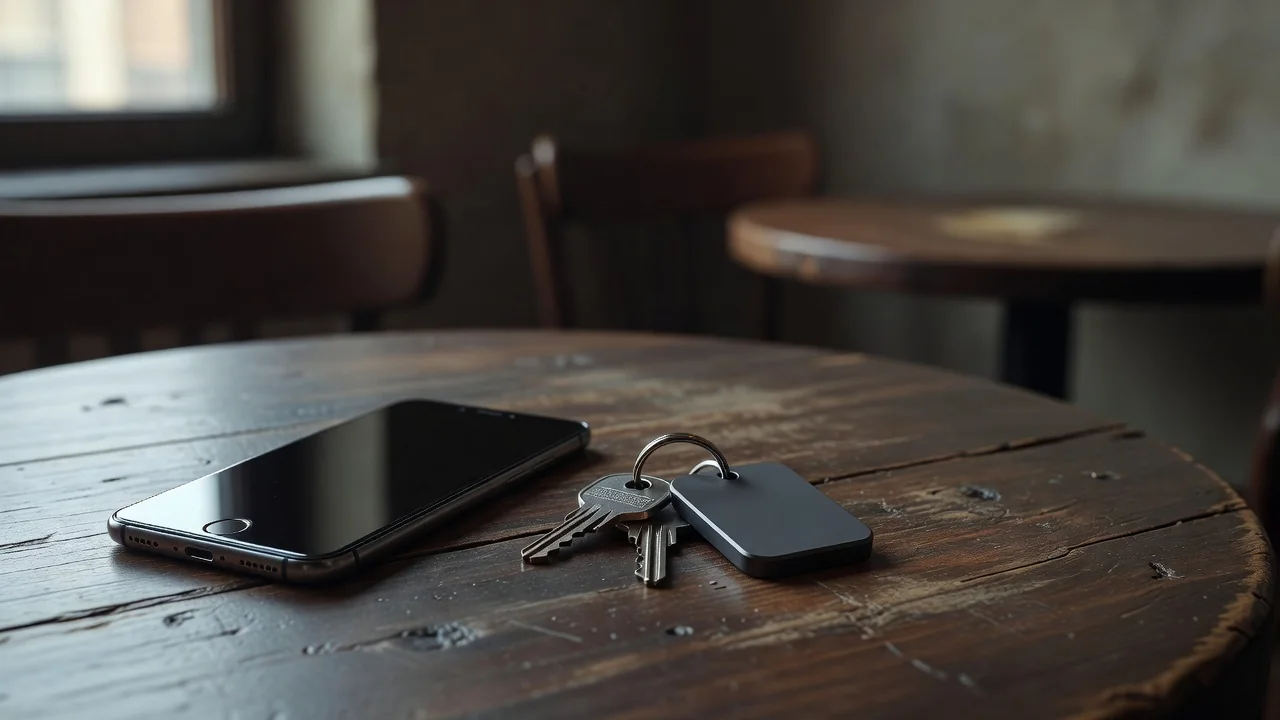
Find My Device is on by default on most phones signed into a Google account, but default and verified are different things. Open the Find My Device app or the web version tonight and confirm your phone appears with a live location. While you are there, play a sound on it; the ten seconds of noise is the cheapest drill in security.
Check that location and Find My Device stay on when the phone is offline too. The newer network can locate devices via nearby Android phones even without your phone's own connection, but the offline finding option has its own toggle, and with-it-and-without-network modes differ. Choose the mode you are comfortable with deliberately, not by default.
Theft Detection and Remote Lock
Theft Detection Lock uses motion sensors to recognize the grab-and-run pattern and locks the screen instantly. Offline Device Lock triggers when a thief keeps the phone offline to stop you finding it. Remote Lock lets you lock the phone from any browser using just your phone number. All three shipped broadly on Android 10 and newer phones through 2024 and 2025, and all three live in the theft protection section of security settings.
Verify each toggle rather than assuming. Remote Lock in particular needs the phone number verified once, and discovering that at the police station is poor timing.
Make the Stolen Phone Worthless
A factory-reset protection lock ties the phone to your Google account even after a wipe, which collapses its resale value. This exists automatically once a secure lock screen and a Google account are in place. The additional step worth taking is marking the phone as lost from Find My Device the moment it is gone: the lock screen then shows a contact number, payments suspend, and location history starts logging.
Write down the IMEI now, while you have the box or the settings screen. Dial star-hash-06-hash and photograph the result. Police reports and insurance claims both move faster with it, and it is the one identifier that survives the loss of the phone itself.
Protect the Data If the Phone Is Gone
The nuclear option, remote erase, sits in the same Find My Device interface. Use it when recovery is clearly hopeless, knowing it ends location tracking. Before that point, the layered defense holds: the lock screen blocks access, theft detection re-locks a grabbed phone, and your two-factor codes live behind their own authentication rather than in SMS alone.
One habit closes the loop: sensitive apps like banking and password managers should have their own app locks enabled, separate from the screen lock. A phone snatched while unlocked then still fails at the apps that matter.
The Four-Link Chain at a Glance
| Layer | Feature | Setup time | Test |
|---|---|---|---|
| Find | Find My Device with network | 3 min | Play a sound tonight |
| Lock fast | Theft Detection and Remote Lock | 4 min | Verify toggles and number |
| Devalue | Reset protection, mark as lost | 2 min | Photograph the IMEI |
| Protect data | App locks and remote erase | 5 min | Lock banking apps once |
The fifteen-minute setup order:
- Confirm the phone appears in Find My Device and plays a sound.
- Enable Theft Detection Lock, Offline Device Lock and Remote Lock.
- Verify your phone number for Remote Lock while calm.
- Photograph the IMEI and store it somewhere off the phone.
- Add app locks to banking, email and password manager apps.
None of this makes theft pleasant, but it changes the outcome from a cascading identity emergency into an insurance claim and an annoying week. Set it up tonight; the feature you test is the only one that exists.