Lock Screen Security and SIM PIN: The 10-Minute Android Hardening
Ask someone how their phone is protected and they will say fingerprint, which answers the wrong question. The lock screen is a system of layers, and the fingerprint is just the convenient front door. Behind it sit the PIN that everything falls back to, the SIM that carries your number, and the smart unlock features that trade security for comfort. Getting the layers right takes twenty minutes.
The goal is not maximum security at maximum friction; it is a setup where the strong parts protect you and the convenient parts do not quietly dismantle them. Here is how the layers stack and where each one earns its place.
The PIN Is the Real Lock
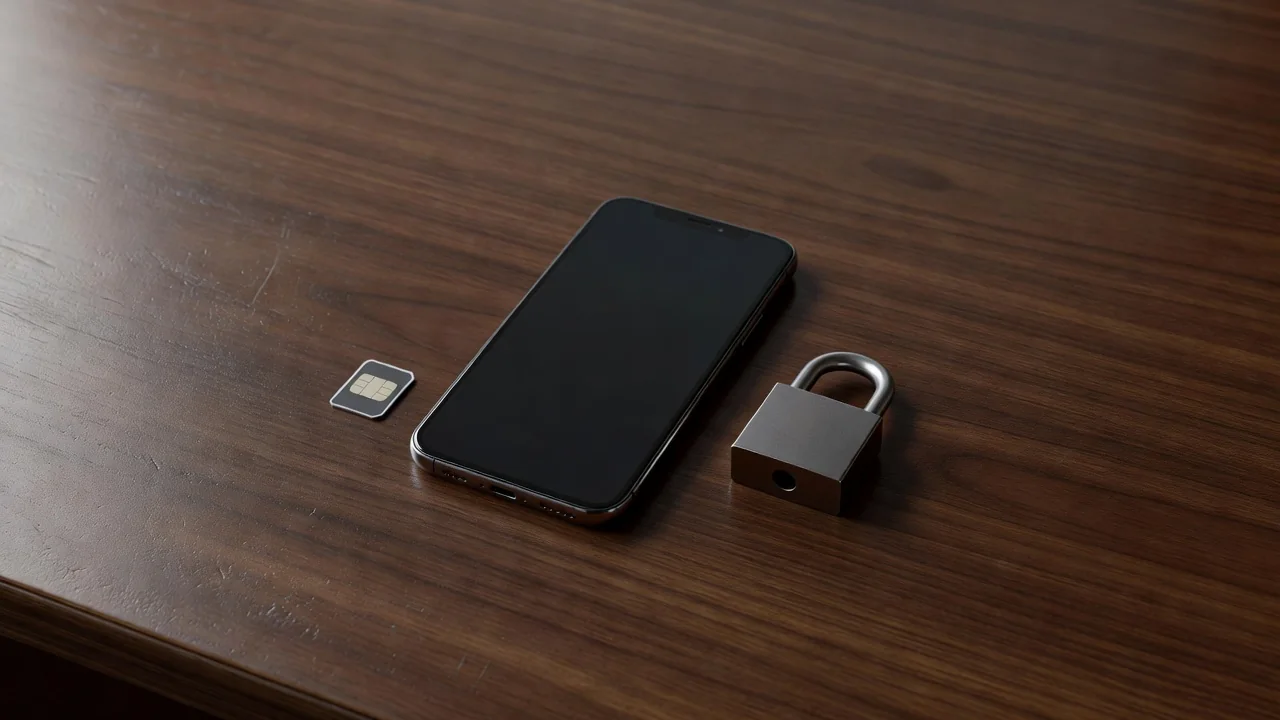
Fingerprints and face unlock are conveniences that periodically hand control back to the PIN: after restarts, after too many failed attempts, and every 72 hours or so on most phones. The PIN is the master key, so six digits is the floor, and a numeric code based on a birthday or a repeated digit is barely a lock at all. A short alphanumeric password is stronger still if you can tolerate typing it a few times a week.
Set the phone to lock immediately when the screen sleeps, not after five minutes of grace. The grace period exists for the phone on your desk at home, and it exists for the phone on the bar table too.
Biometrics: Convenient Front Door, Known Limits
Fingerprint readers on modern phones are fast and reliable, and face unlock splits into two very different species: the secure 3D kind on higher-end phones and the camera-based kind that a photo can fool. Check which yours has; if the face unlock settings warn that it is less secure, treat it as a convenience for low-stakes moments and let the fingerprint carry the weight.
Register the same finger twice if your reader allows it, since recognition improves, and add a finger from the other hand for the times your main hand is occupied. Skip registering other people's fingers unless you understand that you are handing them the master key.
Smart Lock and Extended Unlock: Know the Trade
Android's extended unlock keeps the phone open near trusted devices, in trusted places, or on your body. The Bluetooth watch option is the most defensible: the phone stays unlocked while your watch is nearby and locks when you walk away from it. Trusted places, by contrast, keeps the phone unlocked at home on a map radius that includes your hallway, your driveway and sometimes your neighbor's kitchen.
The audit is quick: open the extended unlock settings and read what is enabled. Anything on that list is a standing exception to your lock, and each exception should be one you chose, not one a setup wizard suggested three phones ago.
The SIM PIN: The Forgotten Layer
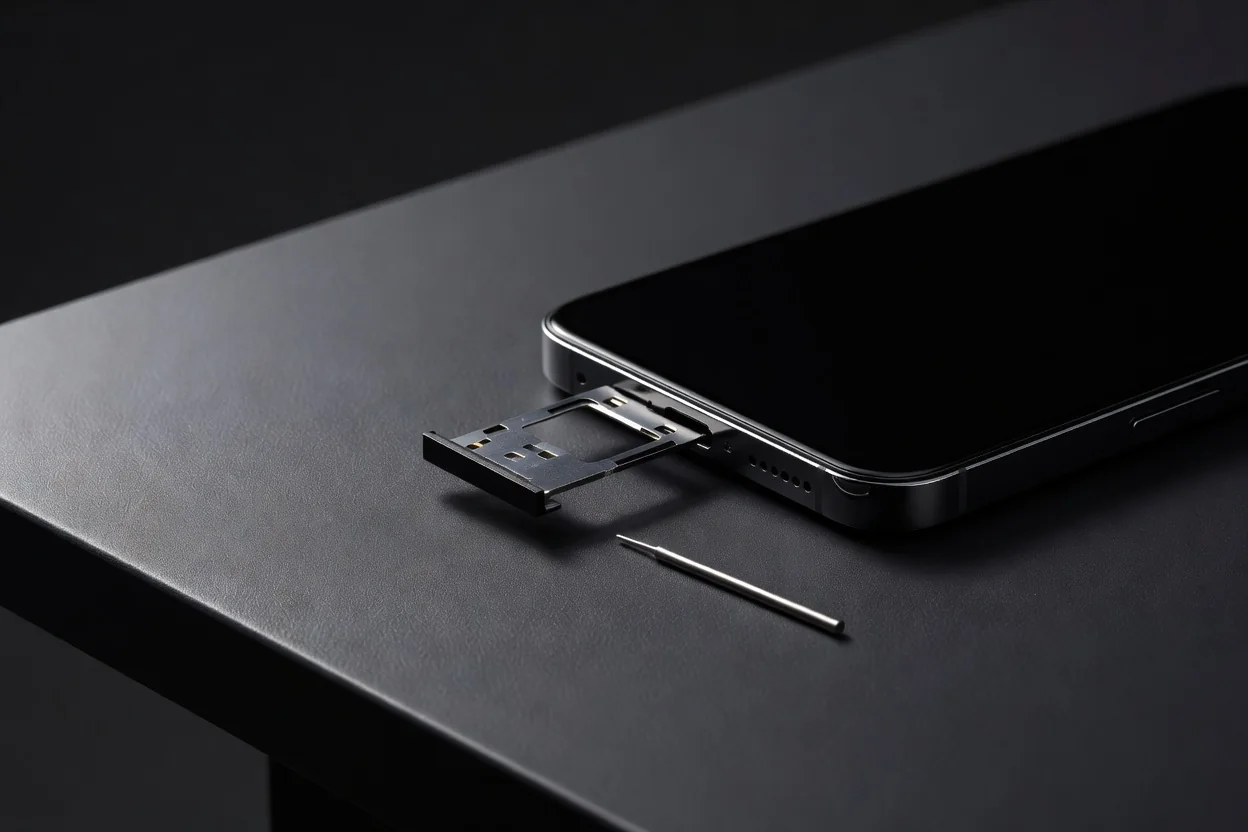
Your phone number is the recovery key for banks and email, and a thief who moves your SIM to another phone receives your reset codes. A SIM PIN stops this cold: the SIM refuses to work in any device without the code. Set it in the SIM lock section of security settings, change it from the carrier default first, and store it in your password manager rather than guessing.
Three wrong entries block the SIM and require the PUK from the carrier, which is the correct behavior. A mild inconvenience for you once, a full stop for anyone holding your SIM tray's contents.
The Layers at a Glance
| Layer | Protects against | Weak point |
|---|---|---|
| PIN or password | Everything, as fallback | Weak or reused codes |
| Fingerprint | Casual access | Registered extra fingers |
| Face unlock | Casual access | 2D camera versions |
| Extended unlock | Daily friction | Overly broad trusted places |
| SIM PIN | SIM-swap and theft | Forgotten code, needs PUK |
The twenty-minute audit in order:
- Strengthen the PIN to six digits or more, unrelated to dates.
- Set screen lock to engage immediately on sleep.
- Review which face unlock class your phone has and adjust trust.
- Trim extended unlock to devices you actually wear.
- Set a SIM PIN and file it in your password manager.
Layered this way, the phone stays effortless for you and expensive for everyone else. That is the entire job of a lock screen: invisible to the owner, solid to the stranger.