 Articles
Mad Casino deposit missing: read cashier status before sending the same amount again. Unfinished 3-D, wrong crypto netwo

Five automations worth building first, from silent hours to auto-photos backup — no root, no coding.
What really wears a battery, what the 80% limit does, and which charging myths to retire in 2026.

Schedule it, size it, and know when light mode wins: the display settings that end daily fiddling.

Refresh rate, brightness habits and always-on display: the display menu translated into hours of screen time.

Theft detection, remote lock and offline finding: the ten-minute setup you will thank yourself for.

One-page philosophy, folder logic and the search-first habit: a home screen that works instead of decorates.

Ten minutes in the keyboard settings pays back daily: correction strength, clipboard pins and two-language typing done right.

What a launcher really changes, what it costs in battery and updates, and the three worth trying.

Biometrics, lockdown mode and the SIM PIN almost nobody sets — the layers that matter when the phone is gone.

Charging heat, gaming heat and rogue-app heat are different problems — here is how to tell them apart and fix each.

Storage thresholds, background limits and the animations trick — a checklist in the order that actually helps.

The honest five tiles, the hidden long-press gestures and what to remove without mercy.
Passkeys, authenticator apps and backup codes: a sane 2FA setup that survives a lost phone.
Calendar, notes, battery and smart-home widgets that earn their space — and the ones that just drain it.

From the thirty-second toggle to the network reset: each fix ranked by effort and success rate.

A short, honest list across ten categories — with the catch of each app named upfront.

Devices, third-party access and recovery options — the fifteen-minute audit that closes old doors.

Cable, wireless and cloud migration compared, plus the two things no transfer tool moves and how to handle them.
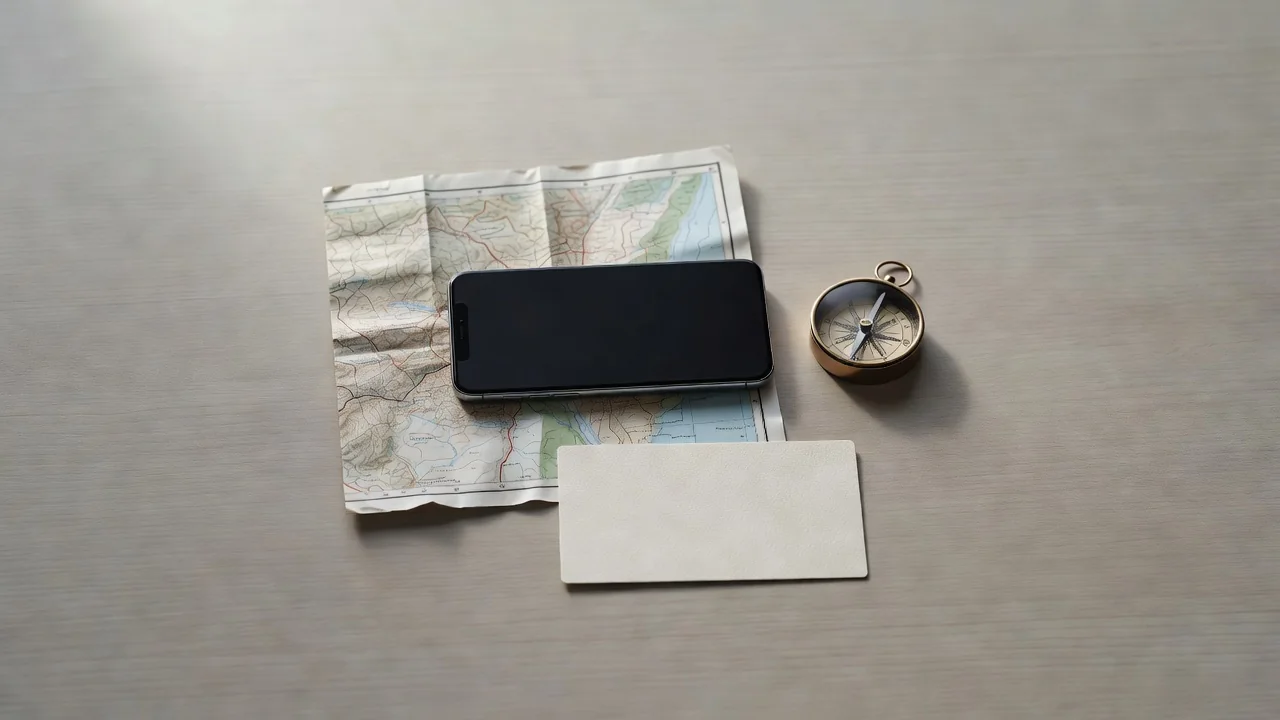
What to download before the flight and how much space it really takes — offline travel without the surprise bills.
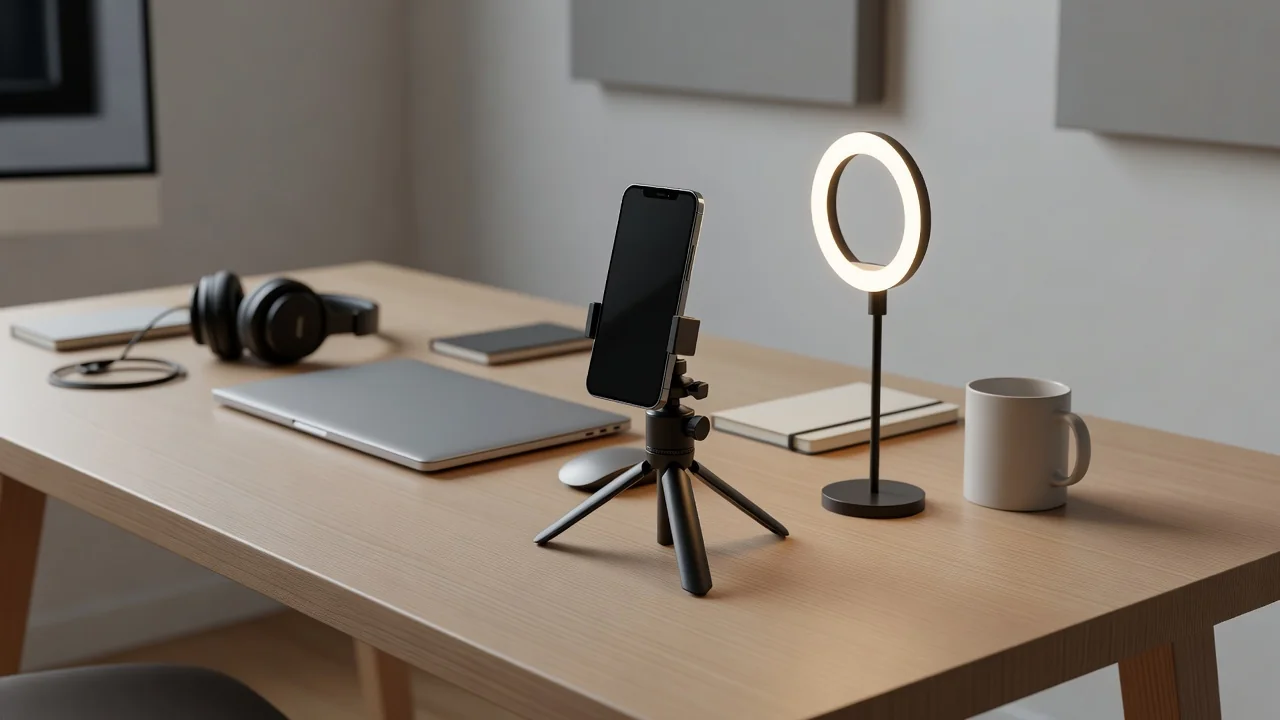
Built-in recorder settings, scrolling screenshots and the editing basics that make support requests painless.
Which stock apps to keep, which to swap, and how to change defaults without breaking sharing.

Accounts, backups, security and the ten settings to touch before the first photo — the order matters more than the list.
Permission prompts are not legal noise; they are the map of what an app can touch.

A backup you never restored is a hope, not a plan.

Battery life improves fastest when you find the one app misbehaving, not when you disable everything.

Ten calm switches beat one dramatic “privacy app” later.

Storage anxiety ends when downloads, app cache and duplicates stop pretending to be photos.
The safest install is boring: right store, right developer name, right permissions, no miracle mod.

The goal is not silence; it is fewer interruptions with the right alarms still getting through.
For readers who also bet on sport, a guide to Mozzartbet Kenya covering login and app is at https://illaramatak.or.ke/.