
Android Phone Overheating: Real Causes and Fixes That Work
A warm phone during a game is physics; a phone hot enough to be uncomfortable in your pocket while doing nothing is a symptom. Overheating shortens battery life, throttles the chip into sluggishness, and in the worst cases triggers the thermal shutdown that saves the hardware by ruining your afternoon. The causes are a short list, and most surrender in ten minutes.
Work from the outside in: environment first, then settings, then apps, then hardware. The order matters because the most common cause, a misbehaving app, hides behind the most obvious one, summer weather.
Rule Out the Environment First
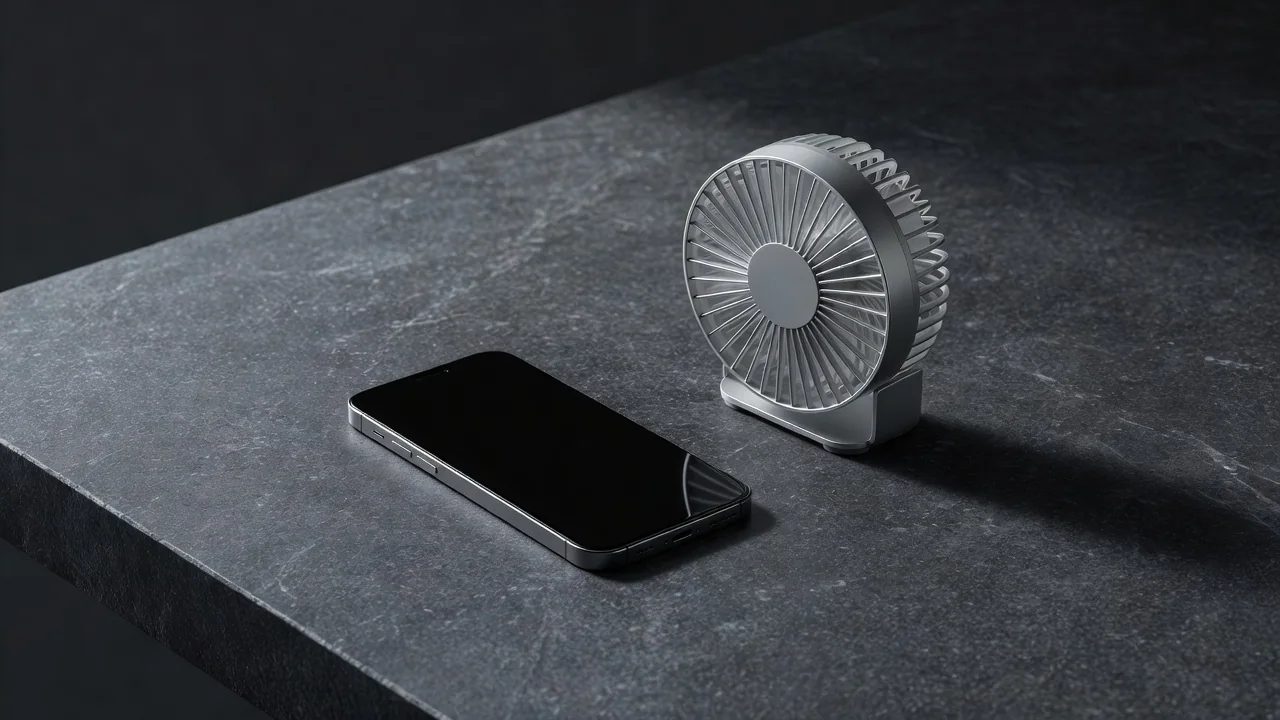
Direct sunlight on a dark phone can push surface temperature past 45 degrees in minutes, and a car dashboard in July is an oven with a view. Charging on a bed or sofa traps heat against the battery. Before touching any setting, move the phone to shade and a hard surface, and take the case off. Thick rugged cases are insulation, and removing one drops temperatures noticeably under load.
If the phone cools down and stays cool in a better environment, the fix is a habit, not a repair. Heat that returns indoors, at rest, on a table, is the signal to keep reading.
Find the App Running a Furnace
Open battery usage and look for an app burning power you did not ask it to. A social app stuck in an upload loop, a game running in the background, or a navigation app that never closed can each keep the processor at full tilt in your pocket. The battery list since last full charge identifies the suspect in seconds.
Force-stop the suspect, check for its update, and restrict its background activity. If the heat follows the app rather than the task, reinstalling it clears corrupted caches that force-stop cannot. An app updated within the last week that coincides with the start of the heat problem deserves a rollback of suspicion at minimum.
Settings That Quietly Cook the Phone
Three features generate steady background heat when misconfigured. A weak cellular signal forces the modem to shout, so a phone on one bar in a basement flat runs hot all day; Wi-Fi calling or airplane mode in dead zones fixes it. 5G on a borderline signal hunts constantly, and locking the phone to LTE in those areas cools the modem measurably.
The display is the third furnace: maximum brightness outdoors, 120 Hz always on, and always-on display together keep the panel and its controller working overtime. Adaptive brightness and adaptive refresh rate surrender little in daily use and give back real thermal headroom.
Charging While Working: The Combined Load
Gaming or video calling while fast-charging stacks the two hottest activities the phone can do. The battery heats from charging while the chip heats from rendering, and the thermal ceiling arrives twice as fast. If you must use the phone while it charges, use a slower charger for those sessions; the lower charging heat matters more than the speed.
Symptoms and Ten-Minute Fixes
| Pattern | Likely cause | Fix |
|---|---|---|
| Hot in pocket, idle | Background app loop | Battery list, force-stop, restrict |
| Hot only outdoors | Sun plus max brightness | Shade, adaptive brightness |
| Hot with weak signal | Modem straining | Wi-Fi calling or LTE lock |
| Hot while charging and gaming | Combined load | Slow charger for those sessions |
| Hot since an app update | Buggy release | Reinstall or wait for patch |
The prevention list that keeps heat from returning:
- Check battery usage monthly for unfamiliar names near the top.
- Lock to LTE where 5G signal is marginal.
- Use adaptive brightness and refresh rate as defaults.
- Charge on hard surfaces and skip heavy use while fast-charging.
- Remove the case during navigation or long gaming sessions.
Persistent heat with no app explanation, especially alongside sudden battery drain, points at a failing battery or a hardware fault. At that point a service center diagnostic costs less than guessing, and a swollen battery is a stop-using-it-now event, not a settings problem.