
Set Up a New Android Phone: The First-Hour Checklist
A new Android phone gives you about one quiet hour before habit takes over. Most people spend it picking a wallpaper and signing into three apps at random, then wonder two months later why the battery sags and the notification shade is a casino. The order matters more than the effort: accounts and locks first, updates second, data last.
This guide walks through that first hour on a 2026 device, whether it is a Pixel, a Galaxy or a Motorola. Every step uses tools already on the phone. Total time is roughly 55 minutes if your old phone is nearby, and nothing here needs a cable, a PC or a paid app.
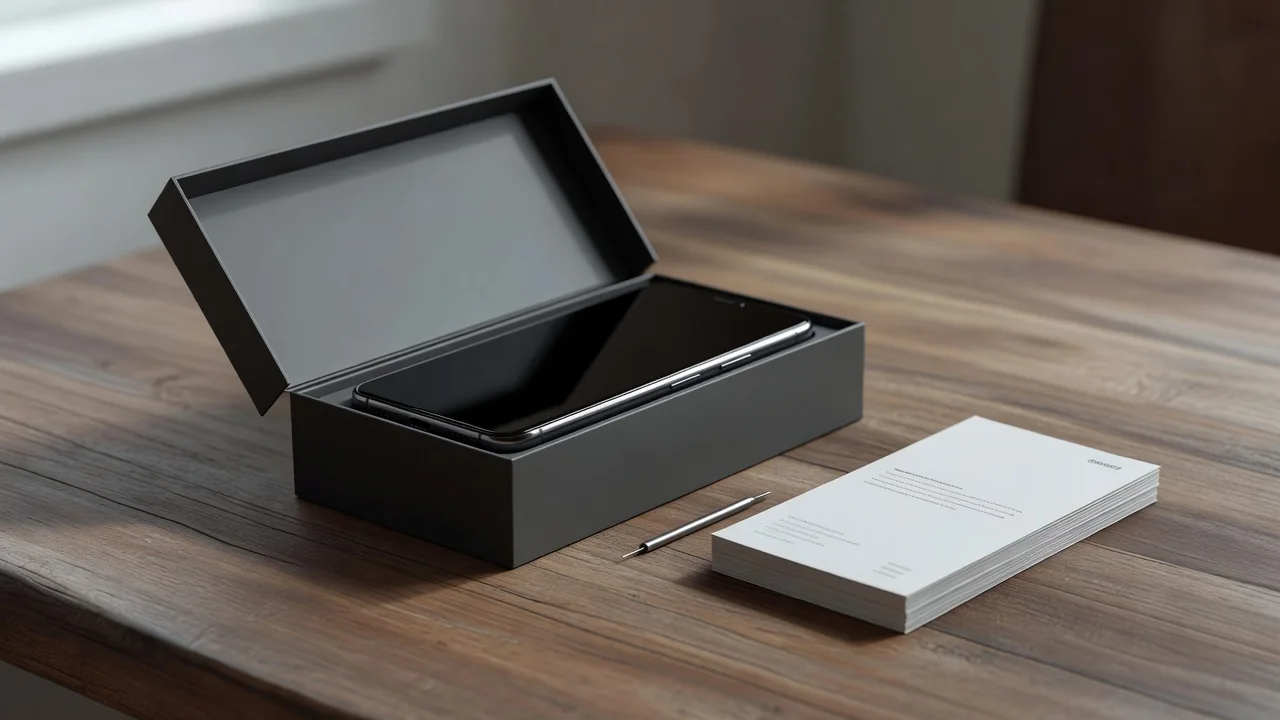
Start With the Google Account, Not the Wallpaper
Sign into your Google account before anything else, because half of Android hangs off it: contacts sync, Play Store purchases, Find My Device and backup. If you have two-step verification on the account, approve the sign-in from your old phone while it still works. People who factory-reset the old phone first discover this the hard way.
Check the account recovery options right away. Open the Google account settings, confirm the recovery email and phone number are current, and glance at the list of signed-in devices. A 2025 survey of support forums keeps showing the same pattern: most lockouts trace back to a recovery number the owner changed two years ago.
Lock the Phone Before It Leaves the Kitchen Table
Set up the fingerprint reader and a PIN of at least six digits during the first boot, not next weekend. Android 16 refuses several backup and payment features until a secure lock screen exists, so postponing it quietly breaks other steps. Add a second finger while you are there, because the first registration is always your dominant thumb at its cleanest.
Turn on Find My Device and the newer theft protection features in the same pass. Theft Detection Lock and Offline Device Lock ship enabled on most 2026 phones but verify them under Security settings. These take ninety seconds and are the difference between a stolen phone being a bad day and a bad year.
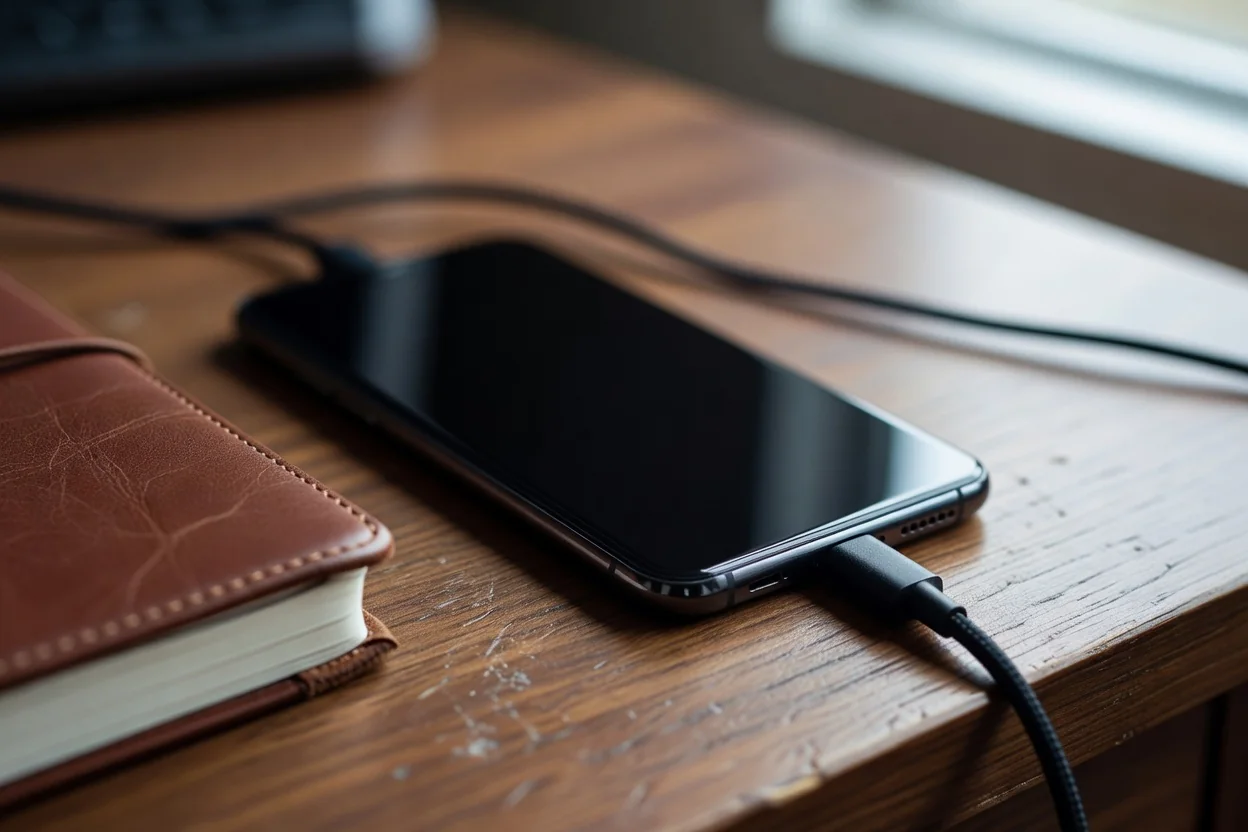
Updates First: System, Play Services, Apps
Even a phone manufactured last month usually has one system update waiting. Run it before restoring data, because a mid-restore reboot can corrupt the transfer. Then open the Play Store, update Android System WebView and Google Play services, and only then update everything else. The full cycle takes 15 to 25 minutes on Wi-Fi.
Restore Selectively Instead of Everything
The setup wizard offers to copy every app from your old device, and this is where most clutter is born. Untick anything you have not opened in three months. A lighter restore finishes faster, and reinstalling one forgotten app later takes less time than uninstalling forty of them now.
Leave carrier and banking apps out of the automatic restore entirely. They tend to misbehave when their data arrives before their fresh registration. Install them clean from the Play Store once the phone is stable.
Ten Quiet Switches Worth Flipping Immediately
None of these are dramatic, and together they change how the phone feels for the next two years:
- Set the display refresh rate to adaptive instead of locked at maximum.
- Enable battery percentage in the status bar so drain is visible at a glance.
- Switch notification access off for the preinstalled games and shopping apps.
- Turn on automatic backup to Google One and confirm the first backup completes.
- Set the screen timeout to one minute rather than the default thirty seconds or ten minutes.
- Disable personalized ads in the privacy dashboard before the ad ID starts profiling you.
The First-Hour Checklist at a Glance
| Step | Time | Skip Risk |
|---|---|---|
| Google account sign-in and recovery check | 8 min | Lockout after old phone is wiped |
| Fingerprint, PIN and theft protection | 6 min | Backup and payments blocked |
| System and Play services updates | 20 min | Restore crashes mid-transfer |
| Selective app restore | 12 min | Months of bloat from day one |
| Quiet switches and first backup | 9 min | Slow battery drain, no safety net |
Stop after the checklist and use the phone normally for a day before deep customization. A phone that survives its first 24 hours with updates done, a backup completed and a lock screen set is already ahead of most devices sold this year. Everything else, from launchers to widgets, sits better on that foundation.