
Move Everything to a New Android Phone Without Losing a Thing
Switching Android phones used to mean a lost afternoon and a quiet funeral for your chat history. In 2026 the built-in transfer tools are genuinely good, but they still have edges, and every one of those edges is a place where photos or two-factor codes fall through. The trick is knowing what the wizard handles and what it silently skips.
Plan for 45 to 90 minutes depending on how much you store locally. A phone with 20 GB of photos and five years of messages moves at a different pace than a fresh one. Keep both phones charged above 50 percent, put them on the same Wi-Fi, and do not start this at midnight before a trip.
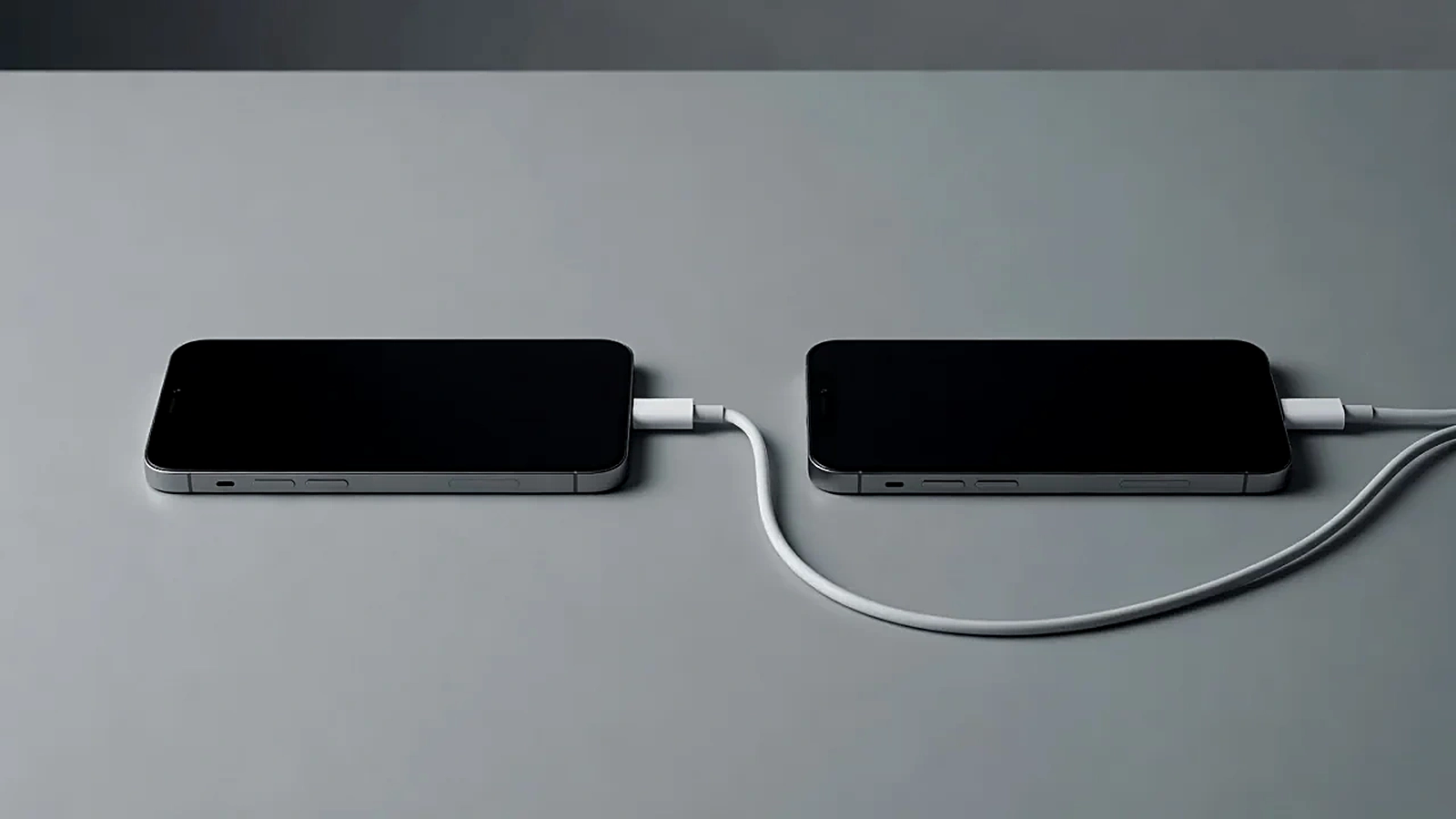
What the Built-In Transfer Tool Actually Moves
During setup, Android offers to copy data by cable or from a cloud backup. The cable method is faster and more complete: apps, call logs, SMS, contacts, settings and most files come across in one pass. On a recent Pixel-to-Pixel move, 60 GB took about 40 minutes over a USB-C cable.
What it does not move is just as important. App logins rarely survive, because most apps re-authenticate for security. Downloads folders, some app-specific caches and anything stored only inside an app's private storage may stay behind. Treat the wizard as a mover of furniture, not of paperwork.
Photos and Videos: Cable or Cloud
If your photos already live in Google Photos with backup completed, they will simply appear on the new phone after sign-in, and nothing else is needed. Verify the backup status on the old phone first: open Photos, tap your profile picture, and wait until it says backup complete rather than trusting the toggle.
For photos stored only on device, the cable transfer handles them, but copy the DCIM folder to a computer as well if the library matters to you. A second copy costs ten minutes and insures against the one failure mode nobody expects: a transfer that reports success with three folders quietly truncated.
Chats Are the Fragile Part
WhatsApp and Signal both have their own transfer flows, and they run outside Android's wizard. WhatsApp offers a QR-code transfer between phones on the same Wi-Fi, which moves media too, but only if both apps are updated first. Signal requires its own local backup or device-to-device transfer initiated from the old phone.
Run these after the main transfer, one app at a time, and open each chat to spot-check recent messages before wiping anything. The 48-hour overlap rule below exists mostly because of chat apps.
Banking and Authenticator Apps Need Manual Care
Banking apps almost never transfer a working login. Install each one fresh on the new phone and re-register the device while the old phone still works, because many banks send the confirmation to the existing app. This is the step people skip, and it is why Monday morning at the coffee shop ends with a declined card.
Authenticator apps deserve the same caution. Google Authenticator can transfer accounts to a new device from its own menu, and most TOTP apps have an export flow. Move them explicitly, then open two or three accounts and confirm the codes match on both phones before retiring the old one.
The 48-Hour Overlap Rule
Keep the old phone charged, signed in and unwiped for at least two days. Use the new phone as your daily device and note every moment you reach for the old one. Each reach is a thing the transfer missed, and it is far easier to fix while both devices are alive.
- Day one: transfer by cable, verify photos, chats and banking apps.
- Day two: spot-check contacts, calendar, notes and saved passwords.
- After 48 quiet hours: sign out of the old phone, remove it from your Google account, then factory reset.
- Only then sell it, gift it or put it in the drawer as a backup device.
Transfer Methods Compared
| Data type | Best method | Typical time | Risk if skipped |
|---|---|---|---|
| Apps and settings | Cable transfer wizard | 40 min | Hours of reconfiguration |
| Photos and videos | Google Photos backup | 0 min | Local-only shots lost forever |
| WhatsApp and Signal | In-app transfer flows | 20 min | Chat history gone |
| Banking and 2FA | Manual re-registration | 25 min | Locked out of money and accounts |
| SMS and call log | Cable transfer wizard | 5 min | Verification codes unreachable |
A careful move is boring, and boring is the goal. When the new phone does everything the old one did for two straight days, the transfer is done and the factory reset is a formality rather than a leap of faith.