
Offline Android Apps for Travel: Maps, Translation and Docs Without Roaming
Travel exposes how much of a phone is leased from the network. Maps freeze at the border, translation apps stare blankly in a mountain tunnel, and the boarding pass lives in an app that wants a connection at exactly the wrong moment. Preparing an offline kit takes one evening at home and pays off every day of the trip.
The rule is simple: anything you will need with no signal must be downloaded, not just installed. Apps are the container; the offline packs are the cargo. Below is the kit that covers navigation, language, reading, tickets and money, all tested by the only metric that matters: airplane mode on, everything still works.
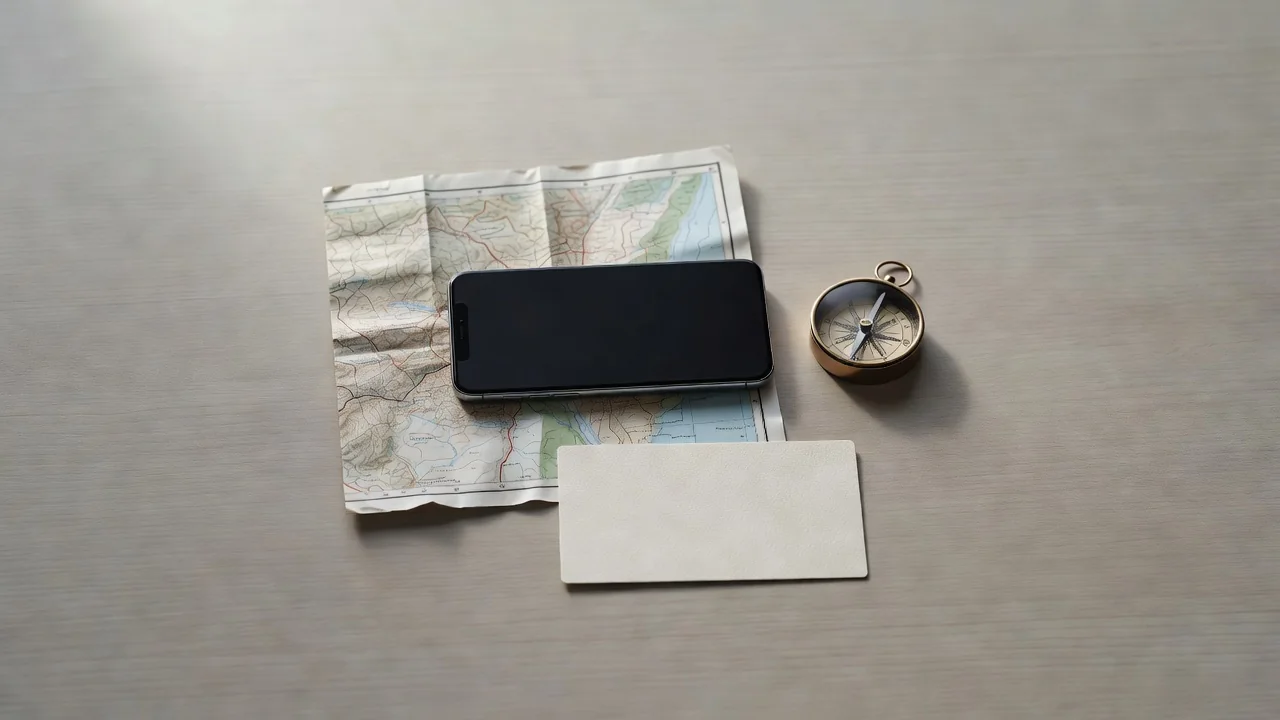
Maps That Do Not Beg for Signal
Google Maps lets you download regions, and a city pack typically costs 300 to 500 MB. The catch is the 30-day expiry: downloaded areas silently deactivate if the app cannot verify them, so refresh the packs the night before departure, not the night before the flight home.
Organic Maps and HERE WeGo are the serious alternatives. Organic Maps downloads entire countries, keeps walking trails and metro schemes, and never phones home. HERE WeGo sells its offline mode as a first-class feature rather than a checkbox. For hiking regions, a topographic layer from a dedicated trail app beats every road map.
Language Without a Connection
Google Translate supports offline language packs of roughly 40 to 80 MB each, and the camera translation works offline too once the pack is in. Download both your destination's language and English as the bridge, and test one photo translation at home so the first use is not at a train station kiosk.
A small phrasebook app with recorded audio covers the gap between machine translation and politeness. Numbers, directions, allergies and the phrase for the bill solve 90 percent of offline conversations.
Reading, Listening and the Long Haul
Dead zones are reading time in disguise. Pocket and most ebook readers sync articles and books for offline use if you open them once on Wi-Fi before leaving. Podcast apps download episodes ahead, and three hours of queue covers most train days. Download over Wi-Fi at the hotel each evening and the habit costs nothing.
Video needs the most discipline: a 90-minute film in reasonable quality takes 1 to 2 GB. Download two, not ten, and keep the storage math honest on a 128 GB phone that also holds the trip's photos.
Tickets, Money and the Boring Essentials
Screenshot every ticket, reservation and address before you leave connectivity, then move the screenshots into a dedicated album. Apps change layouts and login states at the worst moments; a PNG of a QR code never does. Add the hotel address in the local language as a saved note for taxi drivers.
For money, your bank's app usually needs a connection, so the offline tool is a note with card numbers' last digits, the bank's international phone line and a currency converter with cached rates. Marking ATMs and the embassy on the offline map takes three minutes and is the adult version of a paper backup.
The Offline Kit at a Glance
| Need | Tool | Offline prep | Space |
|---|---|---|---|
| City navigation | Google Maps or Organic Maps | Download region packs | 300-500 MB |
| Translation | Google Translate | Two language packs | 80-160 MB |
| Reading | Pocket or ebook app | Sync queue on Wi-Fi | 100 MB |
| Tickets | Screenshots album | Capture before departure | 20 MB |
| Films for transit | Streaming app downloads | Two films maximum | 2-4 GB |
The evening-before checklist that makes airplane mode boring:
- Refresh offline map packs and confirm the destination region is listed.
- Download translation packs and test camera translation on a menu photo.
- Sync reading and podcast queues over Wi-Fi, then verify with airplane mode on.
- Screenshot tickets, reservations and addresses into one album.
- Charge the power bank and put the cable in the same pocket as the phone.
Test the whole kit once at home with airplane mode on for an hour. Whatever fails in your kitchen would have failed at the border, and the kitchen has Wi-Fi to fix it.