
Two-Factor Authentication and Passkeys on Android: What to Enable First
Passwords leak, get guessed and get reused; the second factor is what stands between a leaked password and an emptied account. On Android in 2026 the options have sorted themselves into a clear hierarchy, and the best choice for most people is easier than the one they are avoiding. The short version: passkeys where offered, an authenticator app where not, and SMS only when nothing else exists.
Setup takes one focused hour across your important accounts. Do the email account first, because email resets everything else, then banking, then the rest in order of what would hurt most to lose.
Passkeys: The Second Factor That Feels Like None
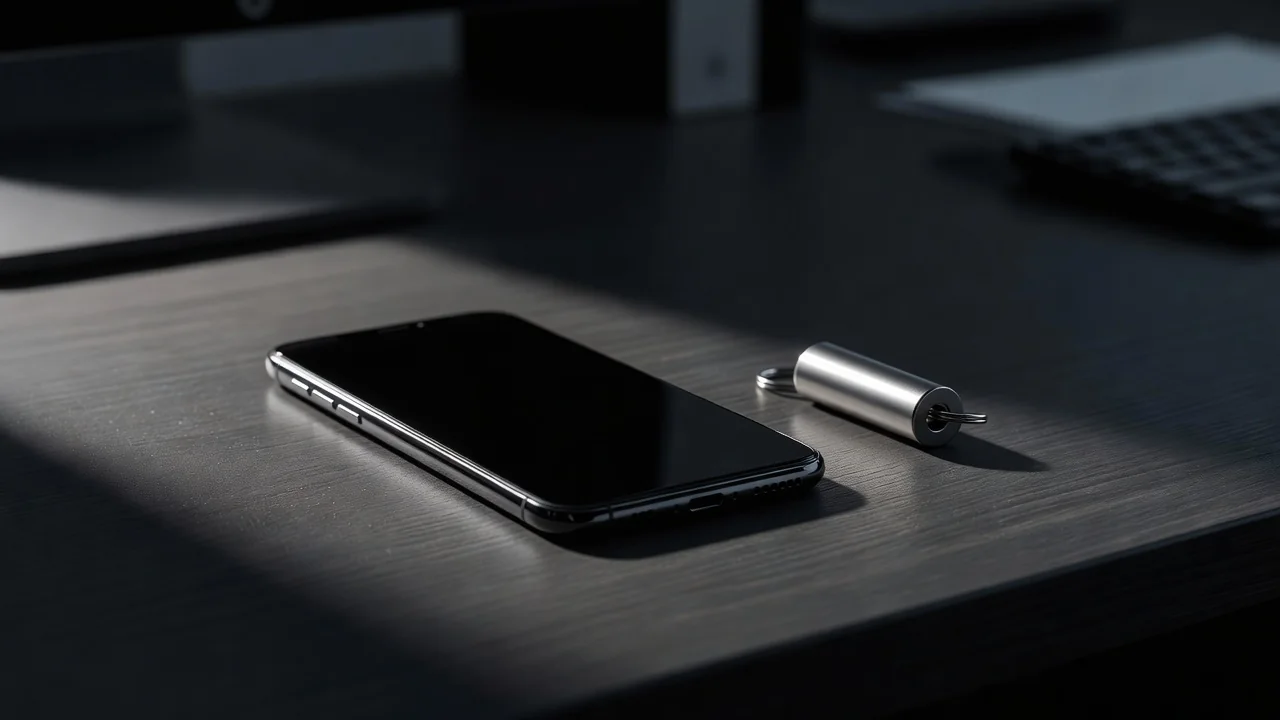
A passkey replaces the password and second factor with your phone's fingerprint or PIN, bound to the site so phishing pages cannot collect it. Google, Microsoft, most banks and an expanding list of services offer them now, and on Android they live in the password manager you already use. Setting one up is usually three taps inside the account's security settings.
The practical advice is to create a passkey everywhere it is offered while keeping the password as a fallback during the transition. Sync through your Google account means a new phone inherits your passkeys after sign-in, which removes the old fear of losing the second factor with the device.
Authenticator Apps: The Reliable Middle
Where passkeys are absent, time-based codes from an authenticator app are the standard. Google Authenticator, Microsoft Authenticator and open options like Aegis all generate codes offline, immune to SIM-swap attacks that defeat SMS. Enable it per account by scanning the QR code shown in the account's security settings.
Two habits determine whether the app protects you or strands you. Turn on encrypted backup or transfer for the app itself, because codes that live only on one phone vanish with it. And save the recovery codes each service offers during setup, stored somewhere separate from the phone, because those are the door when the app is unreachable.
SMS Codes: Better Than Nothing, Barely
SMS-based codes stop casual attacks and fail against determined ones: SIM-swap fraud moves your number to an attacker's phone with a convincing phone call to the carrier. If a service offers only SMS, take it, but pair it with a SIM PIN and a carrier account lock so the number itself is harder to steal.
Watch for the quiet downgrade: some services let an attacker remove the authenticator app using SMS recovery. In your Google and Microsoft accounts, review the recovery options and remove SMS as a fallback where the account allows it.
Hardware Keys for the Paranoid and the Targeted
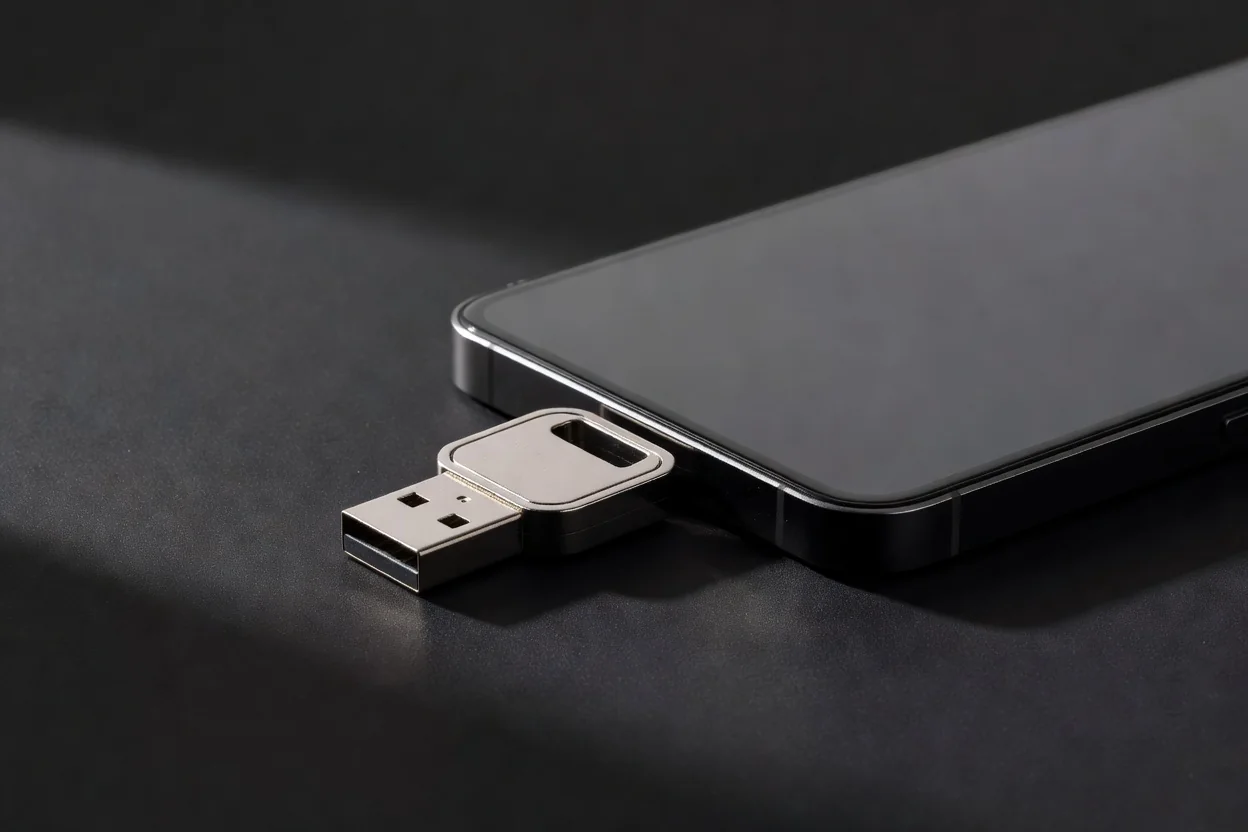
A hardware security key is a small USB-C or NFC device that acts as a phishing-proof second factor. Journalists, public figures and anyone managing other people's money have reasons to carry one; everyone else can treat it as optional. If you buy one, buy two, register both, and keep the spare in a drawer, because a key without a backup is a lockout with good security posture.
Choosing the Right Factor per Account
| Method | Phishing resistant | SIM-swap resistant | Recovery risk |
|---|---|---|---|
| Passkey | Yes | Yes | Syncs to new phone |
| Authenticator app | Mostly | Yes | Needs backup codes |
| Hardware key | Yes | Yes | Buy and register two |
| SMS code | No | No | Easy but weak |
The one-hour rollout order:
- Secure the email account first with a passkey or authenticator app.
- Add the authenticator to banking, then social, then shopping accounts.
- Save every set of recovery codes in one safe, separate place.
- Remove SMS as a recovery fallback where the account permits.
- Test a login from a new browser on each important account.
An hour of setup converts your accounts from one leaked password away from loss to genuinely hardened. The best second factor is the one you will actually keep using, and in 2026 that is usually the fingerprint you already use a hundred times a day.